Legacy Update News

Learn more about what we’re doing at the Legacy Update project.

  • Published:

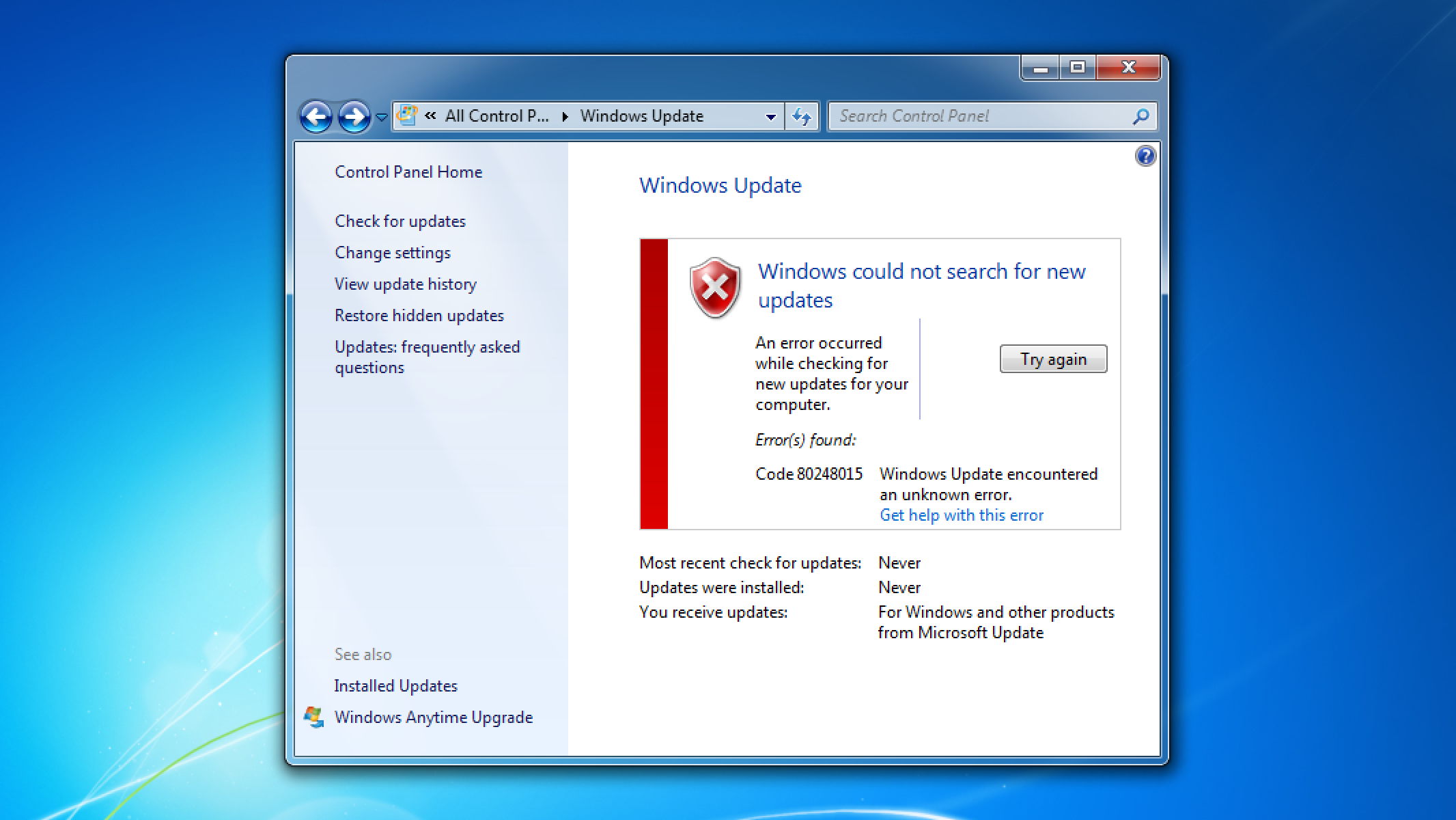
Windows Update on Windows 7 says “Windows could not search for new updates: An error occurred while checking for new updates for your computer. Error(s) found: Code 80248015.”

Earlier this week, users of Legacy Update started reporting errors when checking for updates on Windows 7. The most common variant of this is error 80728015.

Rather than an error code, some users instead got a very misleading error dialog:

Windows Update cannot currently check for updates, because the service is not running. You may need to restart your computer.

We determined the cause to be a configuration file on Microsoft’s servers that reached its specified expiry date. The issue only affects installations of Windows that are enrolled in Microsoft Update, which enables Windows Update to receive updates for products such as Microsoft Office, Visual Studio, and SQL Server.

Microsoft corrected the issue two days later by bumping the expiry date from 2025-07-01 to 2033-07-01.

For more details about what happened, see my blog post:

  • Published:

A fair few people asked me what is going on with Microsoft’s recent announcement that drivers will be deleted from Windows Update, so I wrote up some notes about it:

  • Published:

I restructured our FAQ section into a new Help section. It’ll take some time, but I’d really like to build this up to have a bunch of info on all sorts of Windows Update issues. We were already sort of starting to do that, but it was making the “common issues” page way too long! It should be way easier to navigate now.

  • Published:

Update: The issue has been fixed. If you’re getting error 80244021, please note that this post is outdated.


Using Legacy Update on Vista or Server 2008 and getting error 80244021? Don’t worry, it’s not just you. We’re looking into what we can do to fix it.

I’ll be posting updates as we learn more about the issue here: