 Subscribe with RSS

Legacy Update 1.12 is a huge rewrite release. We switched from compiling with Visual C++ 2008 (and 2010, and 2017, and 2022…), a setup which Microsoft recently broke, to a streamlined open-source MinGW/GCC toolchain. The result: 1.12 is 50% smaller than 1.11, which was already below 1 MB!
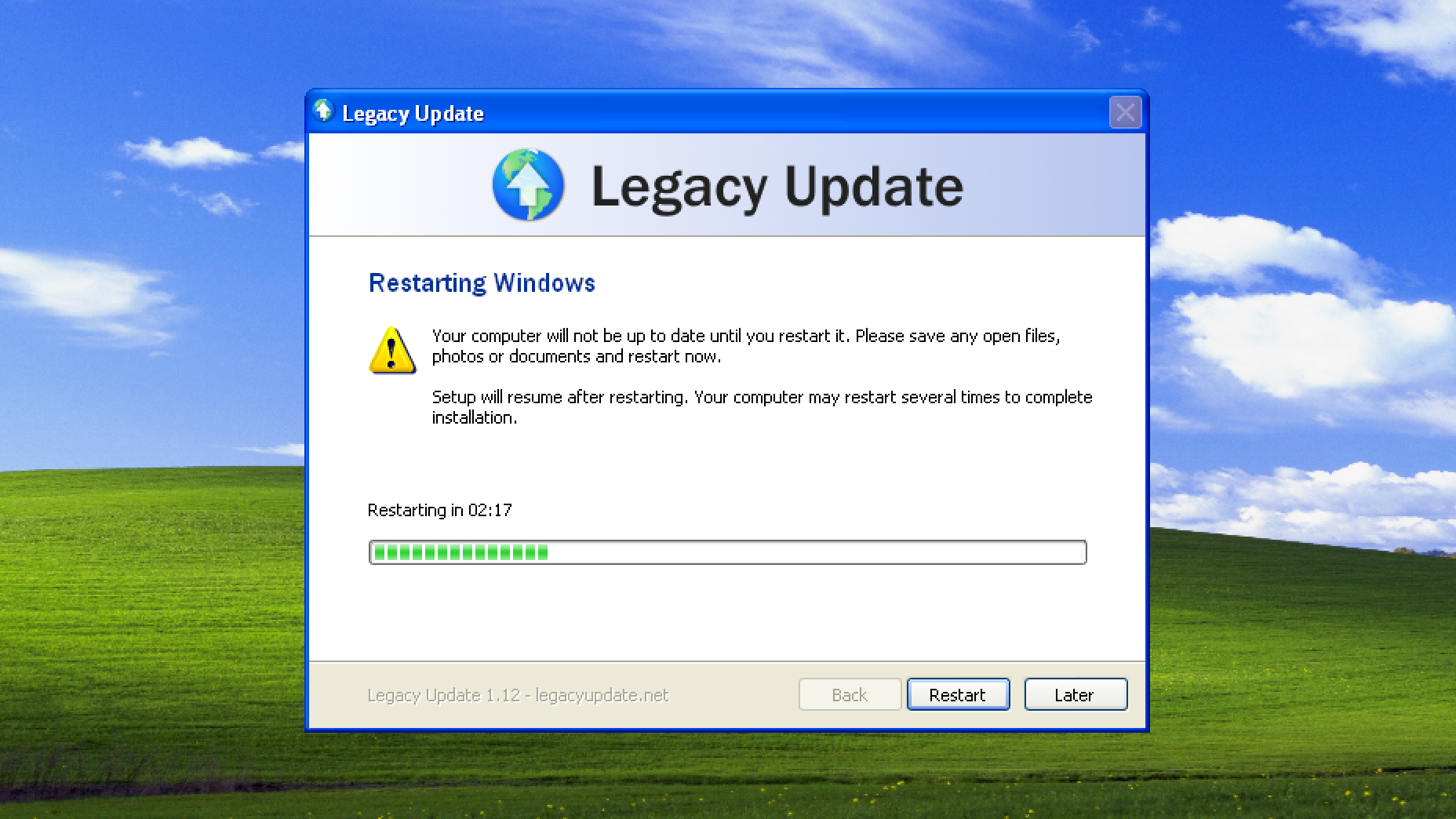
I annoyed people a few too many times with the automatic restart, so Legacy Update 1.12 adds a new 3-minute countdown. This also lets you choose to restart later. A bug with it incorrectly thinking a restart is needed on Windows 10/11 (sorry!) is also fixed.
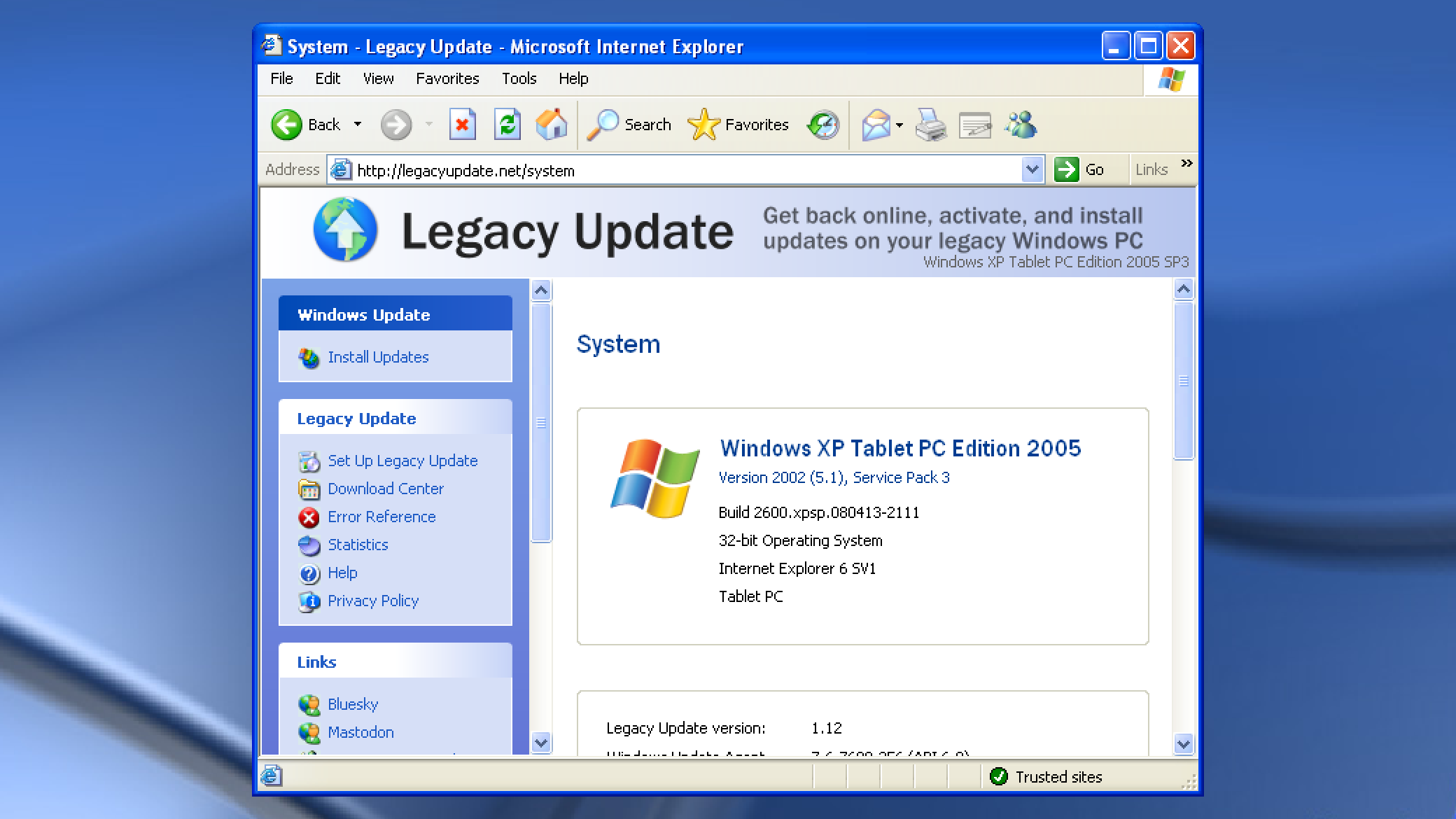
My never-ending quest to make every edition of Windows XP and Server 2003 identify itself correctly continues in this release. With some very specific exceptions, it should now always display the most accurate name for the OS. (Blog post still to come about the craziness behind this sometime)
We also added a partial fix for the slowest of all updates - those for .NET Framework. Each update has to go through an extremely slow, wasteful re-optimizing process. If you use the Legacy Update website to install updates, we now use a workaround to defer the optimization until the end.
Our code signing certificate expires less than 2 weeks from now. We are looking at free/discounted options, but may need to purchase the same certificate again for $369 USD. Your support is appreciated to help us reach this goal and continue working on Legacy Update for another 2 years.