 Subscribe with RSS
Legacy Update 1.13.2 addresses a security issue in the Legacy Update ActiveX control. Please update as soon as possible.
See the full changelog at the release page for Legacy Update 1.13.2.
Learn more about what we’re doing at the Legacy Update project.

Legacy Update 1.13.2 addresses a security issue in the Legacy Update ActiveX control. Please update as soon as possible.
See the full changelog at the release page for Legacy Update 1.13.2.
Legacy Update 1.13.1 fixes a few bugs introduced in 1.13, and adds workarounds for issues with some Lenovo devices and Intel Macs. It also addresses a potential security issue.
See the full changelog at the release page for Legacy Update 1.13.1.
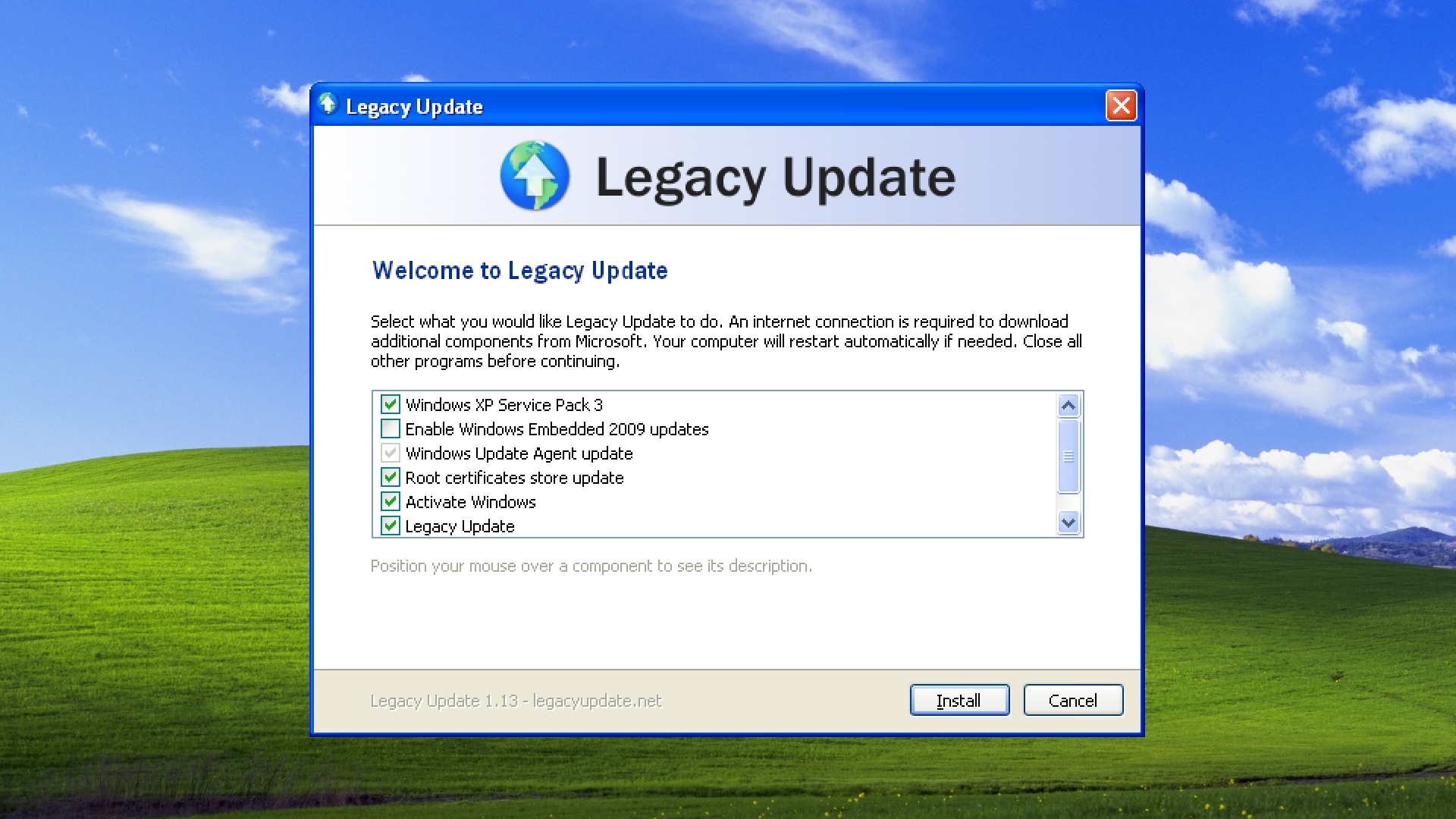
Legacy Update 1.13 improves handling of some edge cases you might run into while using Legacy Update. It includes 23 fixes and improvements (and plenty more small changes).
Some highlights:
Windows 7 can now get up-to-date faster, thanks to a new feature that can install the Windows 7 Convenience Update Rollup.
Multiple bugs in the Windows Vista Service Pack 1 and 2 installers have been worked around.
We no longer install the Windows Server 2008 servicing stack from 2019 on Windows Vista, unless you specifically opt into it. This addresses compatibility issues some users were facing.
When enabling Windows Embedded 2009 updates on Windows XP, Legacy Update now hides the notoriously broken KB2686509 update.
Support for Windows audit mode has been added. This allows you to preinstall Legacy Update on a computer in advance of it being given to an end-user.
“Access is denied” errors are fixed on Windows 2000 (sorry!), and a crash when installing updates from the website on Windows Vista has also been fixed.
See the full, extensive changelog at the release page for Legacy Update 1.13.
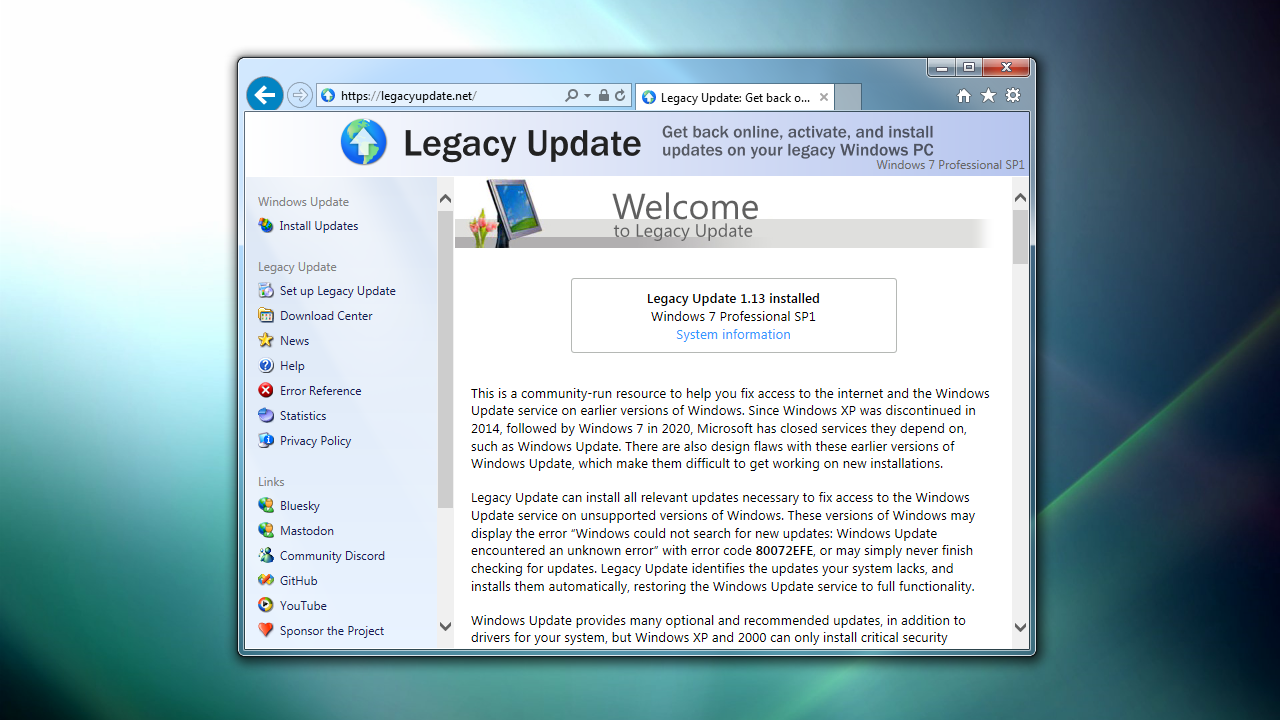
The Legacy Update website has been completely rebuilt.
When I started Legacy Update in 2022, I didn’t plan for the website to be much more than a homepage and a copy of the Windows Update web app. Over the years (it’s been a few), we added our Microsoft Download Center Archive, and the Help pages.
At a certain point, handling all this content became a bit too much for the basic website I threw together all those years ago. We want to continue to expand the useful content we provide for users, particularly in our growing Help center. To resolve this, over the past 6 months, I rebuilt the website on top of a proper application framework and content management system (CMS).
If it seems like nothing has changed, that’s a good thing! I worked hard to make sure everything is just as it was before. I did, however, add some new themes:
We also now have a dark mode in modern browsers that support this feature.
You’re also looking at our new News section. If you’re into RSS, add it to your feed reader!
If you find anything broken, let us know. Next up: Legacy Update 1.13!
An additional update: Thanks to some sleuthing by @AntonFromSweden, our Windows Live Essentials Archive now features downloads for the original 2007 Windows Live suite, also known as the Windows Live Installer.