“The Windows Installer Service could not be accessed”, or error 1601 or 80070641 in Windows Update, can happen when the Windows Installer (MsiExec) registration is damaged. Certain updates to Windows XP can cause this. You may see this issue manifest in various ways:
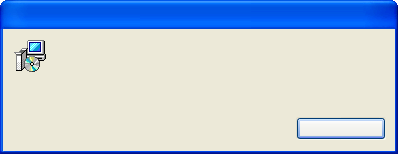
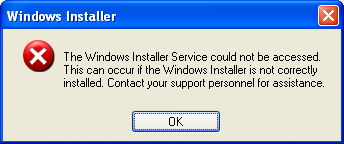
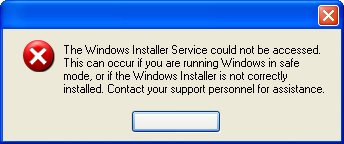
To fix it, you can run a command that asks Windows Installer to re-register itself.
-
Close Legacy Update and any other programs using Windows Update.
-
Press Win+R to open the Run dialog.
-
Type
msiexec /regserver, and click OK.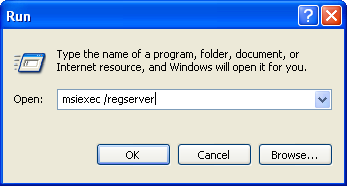
-
Wait for 30 seconds, or until the hourglass cursor disappears.
-
Try the installation or update again.