When installing Windows 7 or Windows 8.1 on hardware that is much newer than the operating system, you may receive the following message that your hardware is not supported:
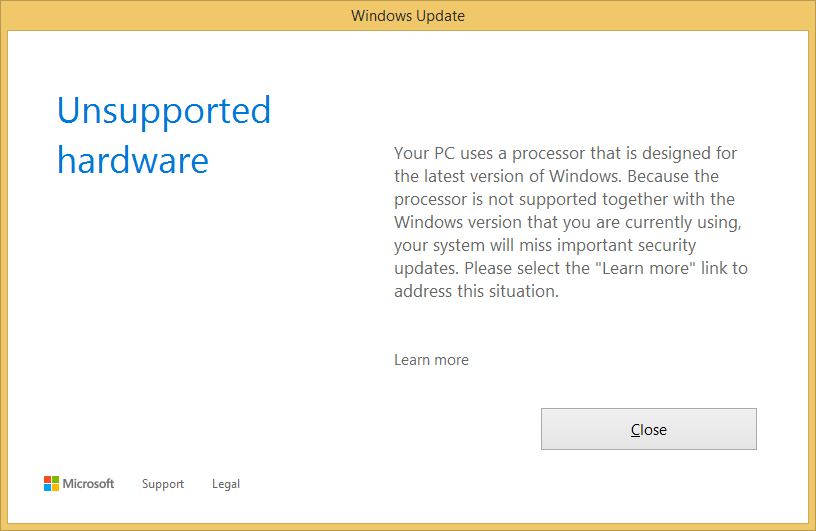
After clicking Close, Windows Update displays error code 80240037 (“The functionality for this operation is not supported.”).
In January 2016, Microsoft announced that it would not provide support for Intel 7th generation (Kaby Lake) and later, or AMD Bristol Ridge (Excavator+) and later (includes Ryzen) on Windows 7 and 8.1. In March 2017, Microsoft released preview updates to these versions of Windows that block this hardware from receiving further updates. Updating Windows 7 or 8.1 past the March 2017 monthly quality and security updates will cause this message to appear.
A community-developed patch, wufuc, can be used to bypass the check that displays this message:
| Variant | Download |
|---|---|
| 32-bit Installer | Download |
| 64-bit Installer | Download |
| .zip Version | Download |
Be aware that this performs in-memory patches to the Windows Update service (wuaueng.dll), and therefore could have compatibility issues, or could cause warnings from antivirus software.