When installing updates via the Legacy Update website, the “Installation status” log in the “Installing [number] Updates” dialog may stop updating. This often happens in the middle of a line:
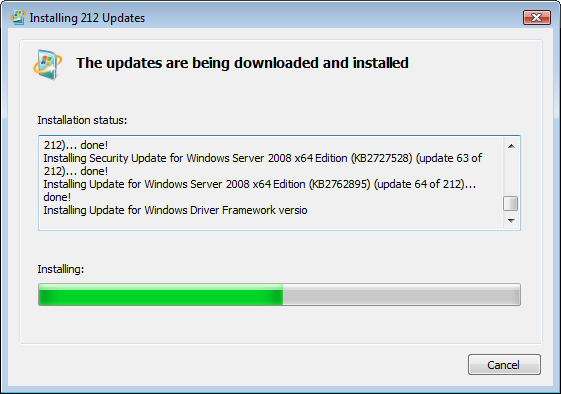
This is a bug in the Windows Update “wizard” dialog. You do not need to take any action - updates are still installing correctly.
If you would like to see the progress that is cut off, it is safe to click Cancel, then check for and install updates again. The updates that have already been installed will apply without issues.