
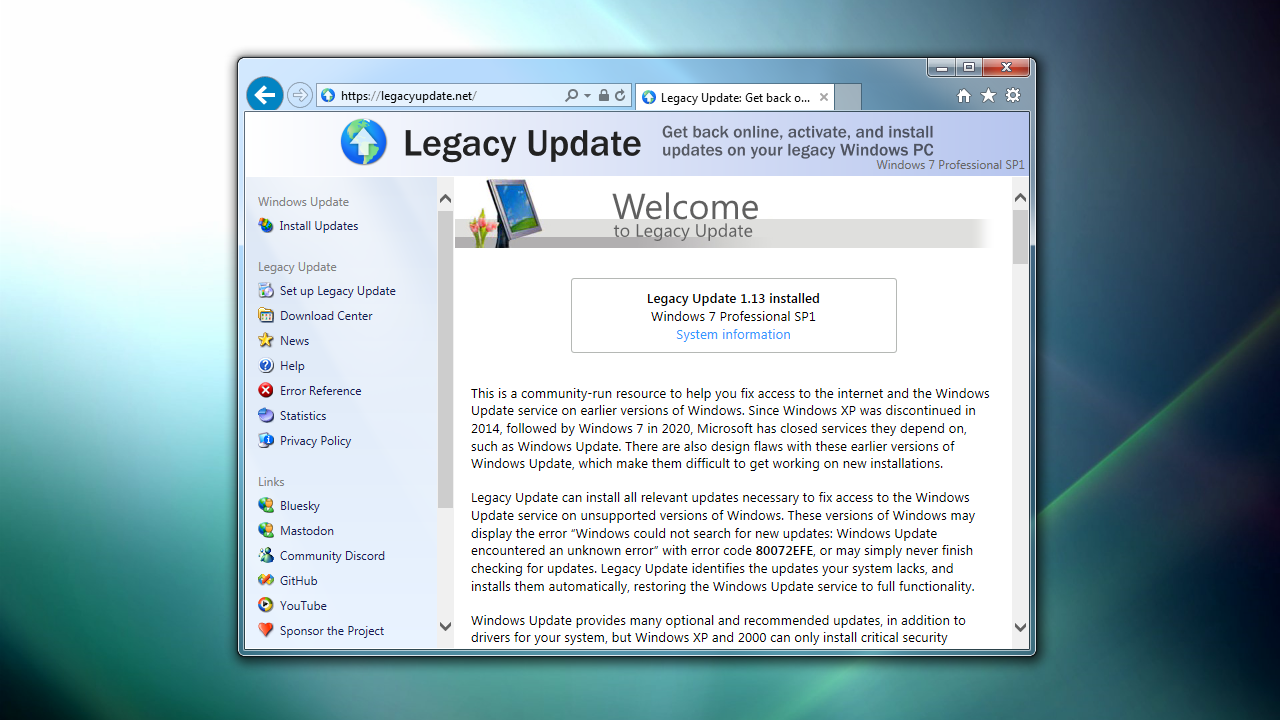
The Legacy Update website has been completely rebuilt.
When I started Legacy Update in 2022, I didn’t plan for the website to be much more than a homepage and a copy of the Windows Update web app. Over the years (it’s been a few), we added our Microsoft Download Center Archive, and the Help pages.
At a certain point, handling all this content became a bit too much for the basic website I threw together all those years ago. We want to continue to expand the useful content we provide for users, particularly in our growing Help center. To resolve this, over the past 6 months, I rebuilt the website on top of a proper application framework and content management system (CMS).
If it seems like nothing has changed, that’s a good thing! I worked hard to make sure everything is just as it was before. I did, however, add some new themes:
- Watercolor, from betas of Windows XP
- Microsoft.com, styled like the website in the 2000s
- GeoCities and Space Jam, as a homage to Web 1.0
We also now have a dark mode in modern browsers that support this feature.
You’re also looking at our new News section. If you’re into RSS, add it to your feed reader!
If you find anything broken, let us know. Next up: Legacy Update 1.13!
An additional update: Thanks to some sleuthing by @AntonFromSweden, our Windows Live Essentials Archive now features downloads for the original 2007 Windows Live suite, also known as the Windows Live Installer.